
Canvas editor
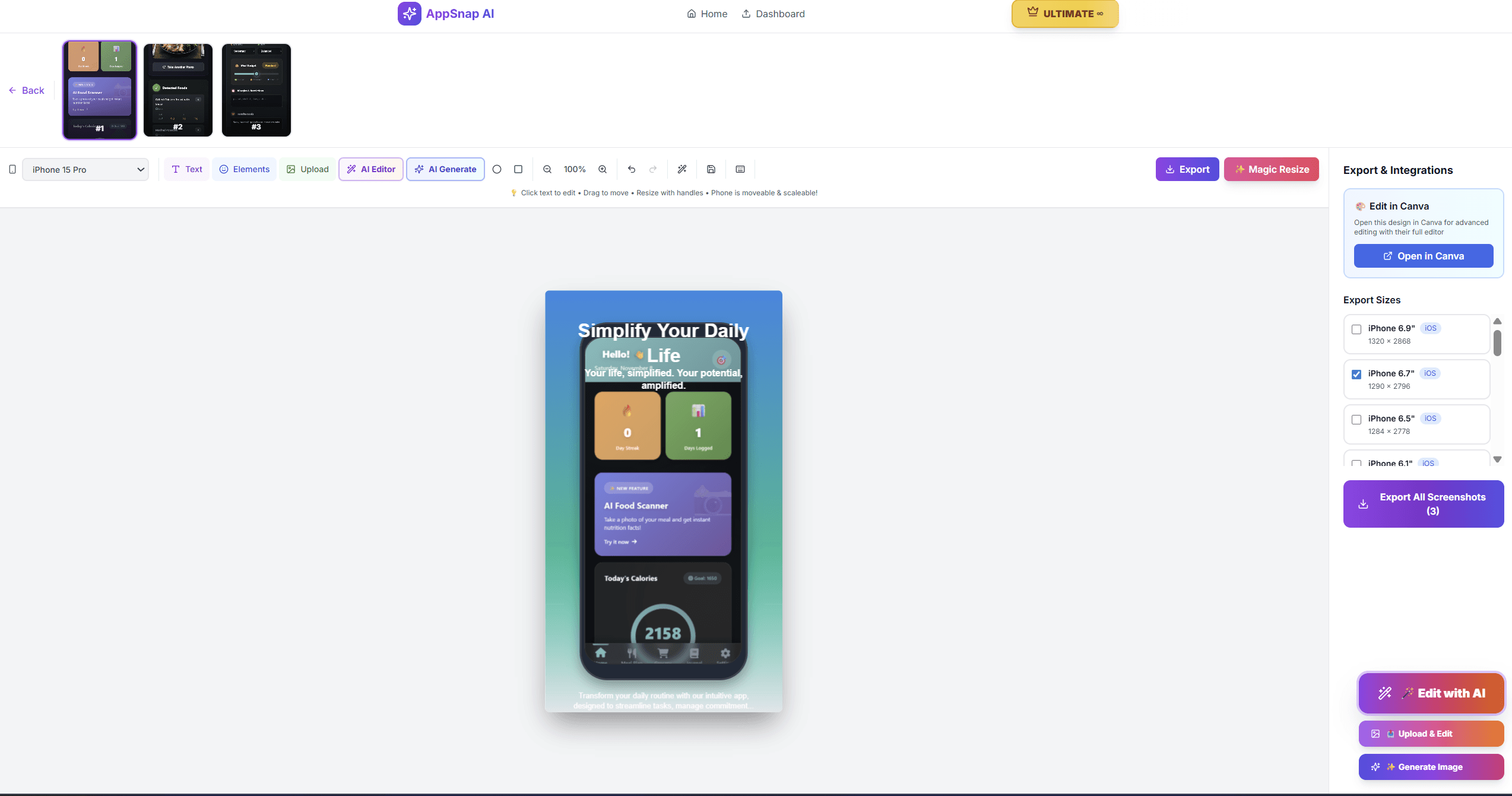
Layer control for real screenshot layouts
Drag-reorder layers, rename objects, lock or hide sections, duplicate elements, and adjust opacity without hunting through the canvas.
Drag reorderRename layersOpacity, lock, hide
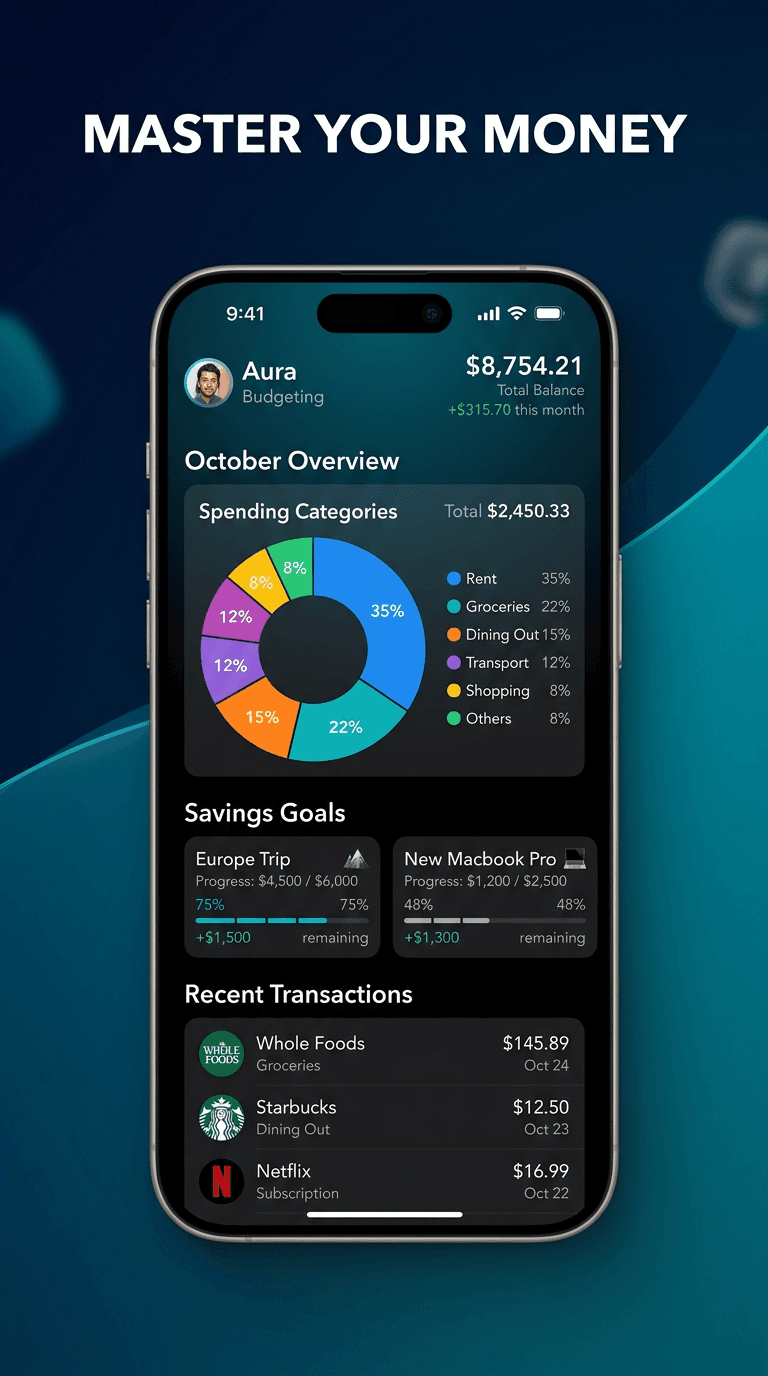
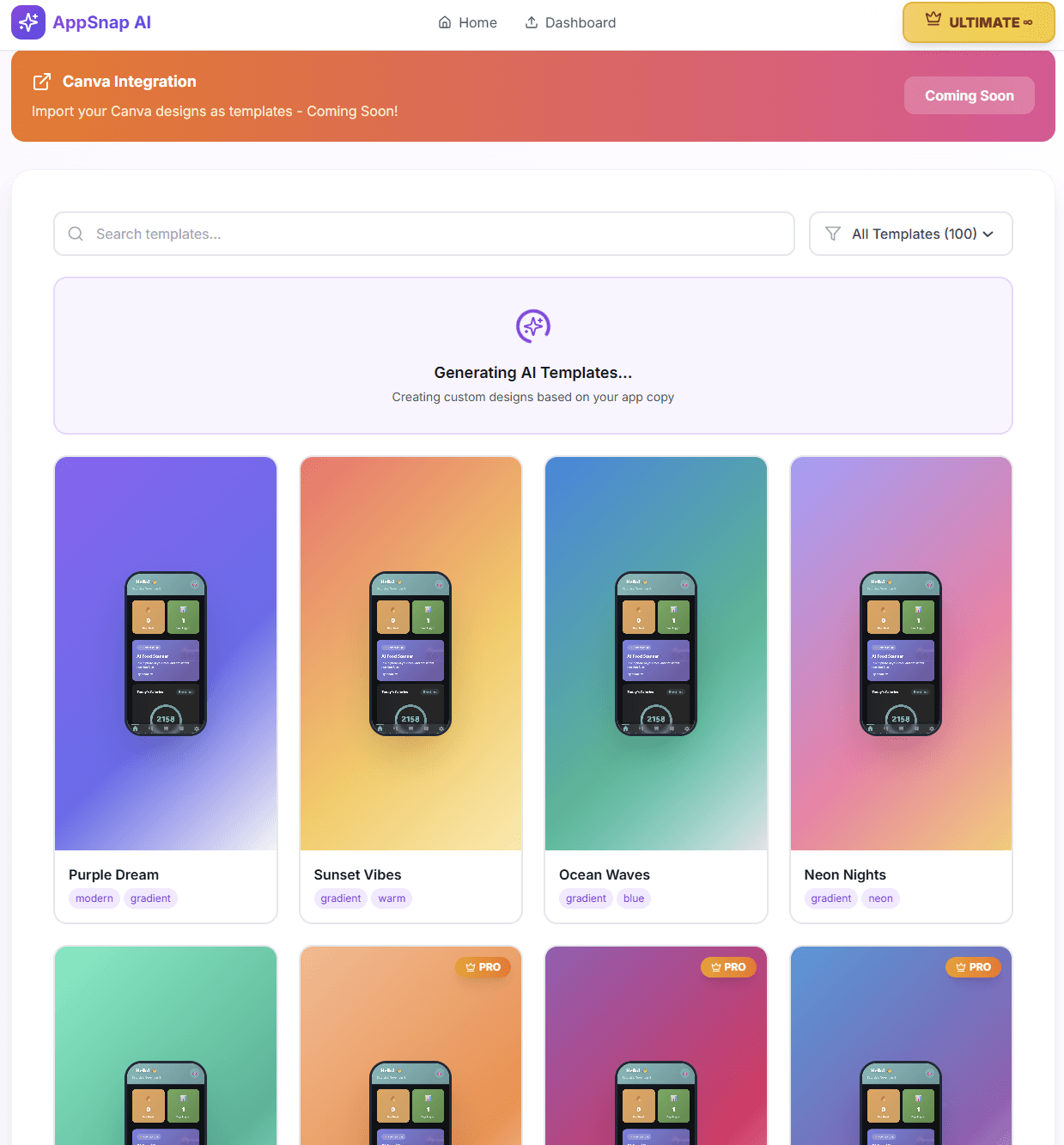
AppSnap AI turns raw app screens into App Store and Google Play screenshot sets with editable layers, generated ASO copy, background removal, and export presets that match real device pixel sizes.
What the product actually does
The feature set is built around the bottlenecks app teams hit before launch: writing screenshot copy, keeping designs editable, removing distracting backgrounds, and exporting every required size.
Drag-reorder layers, rename objects, lock or hide sections, duplicate elements, and adjust opacity without hunting through the canvas.
Generate App Store and Google Play screenshots at true target dimensions, including 1320 x 2868, 1290 x 2796, and 1242 x 2688.
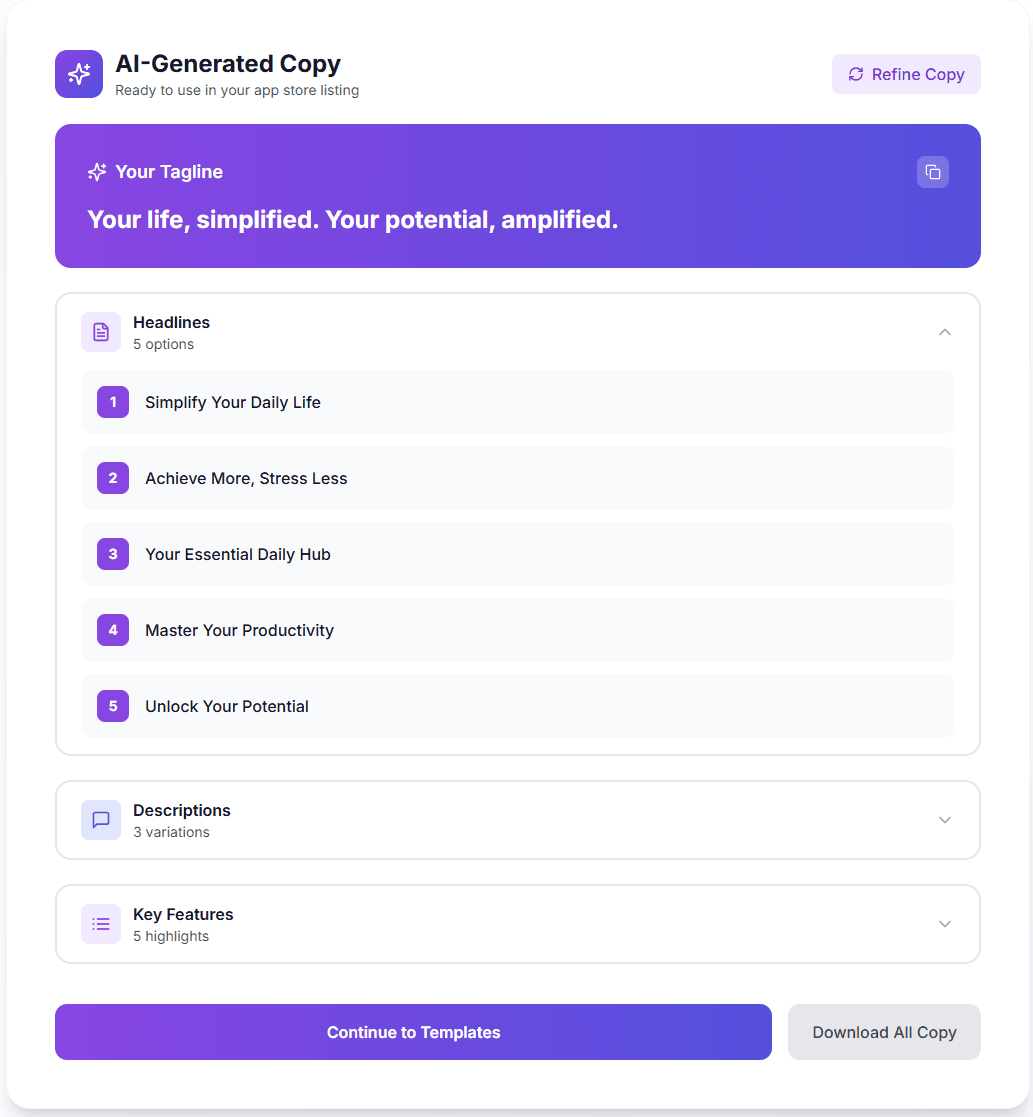
Use the AppSnap AI engine to turn app notes into concise screenshot headlines, captions, short descriptions, and localization-ready variants.
Remove busy photo backgrounds, generate clean visual assets, and keep transparent PNGs ready for decks, landing pages, and store graphics.
Export discipline
Magic Resize is designed for store submission work. Pick the target, keep the composition editable, then export the canvas at the required pixel dimensions.
Launch workflow
AppSnap AI engine